> ## Documentation Index
> Fetch the complete documentation index at: https://docs.snorbe.deskrex.ai/llms.txt
> Use this file to discover all available pages before exploring further.
# Snorbe User Guide - Self-evolving Research AI
> Snorbe accumulates the latest news, papers, patents, and government reports, plus your internal PDF/Excel/reports, into a single knowledge graph, auto-detects white spaces, and automatically generates viewpoint matrices and structured reports.
 # Welcome to Snorbe
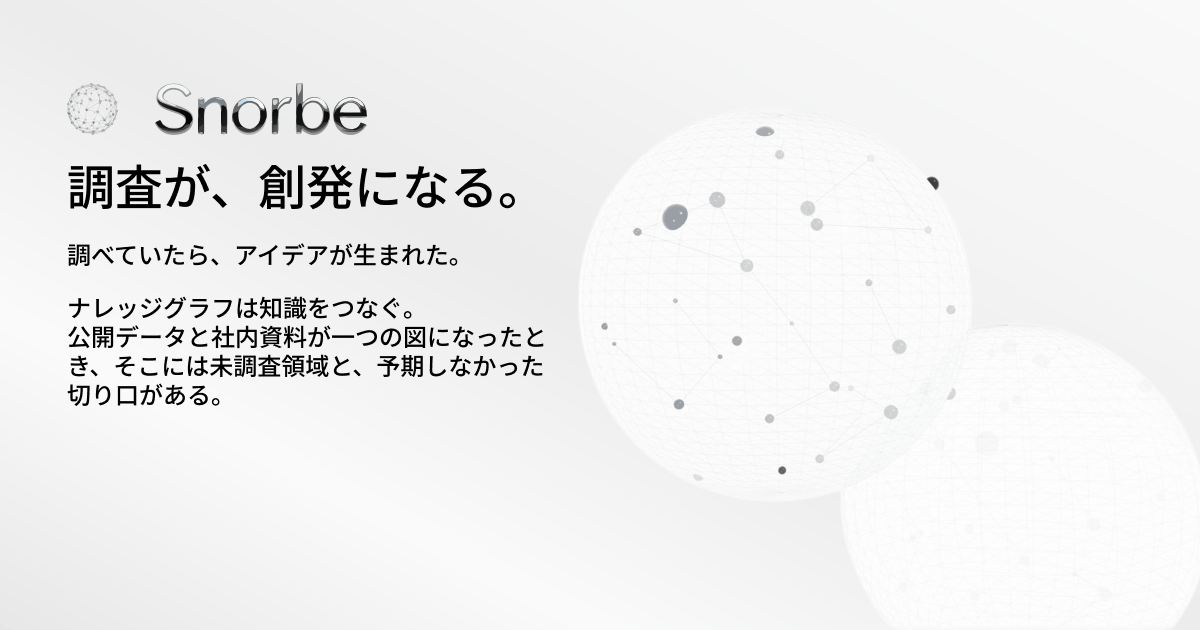
**Snorbe** is a **Self-evolving Research AI**. It turns routine research into moments of emergence — the kind where an idea surfaces while you were just investigating. Snorbe unifies public data and internal documents into one knowledge graph, surfacing white spaces (unexplored areas) and unexpected angles autonomously.
* Autonomous exploration across internal and external data
* Automatic detection of white spaces (unexplored areas)
* Discover ideas from your accumulated, cross-linked knowledge
## What Changes When Knowledge Becomes a Graph
Papers, patents, news, and internal materials are organized as nodes and relations. Scattered information becomes one diagram — revealing connections you couldn't see before.
Graph density visualizes the depth of your investigation, and white spaces you haven't explored yet are highlighted automatically — with suggestions for the next move.
Viewpoint matrices and structured reports are generated automatically. By the time the research is done, unexpected angles are delivered alongside the findings.
## How to Use
Chat like you'd talk — research becomes emergence. The way you ask doesn't change. The graph tells you what you didn't know.
### STEP 1 — Ask, and you're already researching
Start research by talking to the chat. Drop in PDFs and images as-is, use `@mention` to reference past investigations and entities, and pick from OpenAI / Anthropic / Google / xAI models. Plan mode lets you review and edit the plan before execution.
Start research by just talking
Drop in PDF / Excel / PPT / images as-is
Reference past research and entities to dive deeper
Choose OpenAI / Anthropic / Google / xAI
Reference web pages or document URLs inline
Pause mid-run to redirect at any time
### STEP 2 — The AI picks its tools and skills, and investigates on its own
The AI routes to the best tool automatically and investigates across web, X, specialized databases, and browsing. Plan mode generates and confirms the plan before running. You can also build your own research skills in code.
Collect the latest papers, news, and patents automatically
Capture social conversations and real-time signals
Operate web pages automatically to collect information
arXiv / PubMed / Semantic Scholar / e-Stat
Define custom research skills in code
Generate and confirm the plan before execution
### STEP 3 — The graph shows you what you didn't know (the emergence moment)
As your findings accumulate in the knowledge graph, the white spaces you haven't explored surface on their own. Community classification groups related information automatically, and the AI proposes next research candidates autonomously. When an unexpected connection becomes visible — that's the moment of emergence.
Accumulate and visualize research as nodes and relations
Auto-highlight unexplored areas
Auto-group related information
The AI identifies unexplored areas and proposes the next move
Auto-detect nodes with similar characteristics
Trace back to sources to verify evidence on the spot
### STEP 4 — Memory becomes ideas
Recall traverses the graph by keyword in chained steps, surfacing new ideas from past research. Viewpoint matrices and structured reports are generated automatically and shared with the team. Schedule automation can notify you by email when research completes.
Traverse the graph by keyword and surface ideas from past research
Auto-generate comparison tables with CSV/Excel export
Output in Markdown / PDF
Unify your team's knowledge into the same graph
Run research daily/weekly with email notifications on completion
Deploy inside your own environment with Docker
**Supported data formats**: PDF / Excel / PowerPoint / Text / Images | **AI models**: Multi-model support across Anthropic / Google / OpenAI / xAI
## Use Cases
The blank space nobody else noticed becomes your next business. Generate a technology map, visualize white spaces on the graph, and draft evidence-backed hypotheses in minutes.
Instead of spending time reading papers, the "next experiment" comes first. Integrate papers, patents, and internal reports on the graph and surface untested angles automatically.
Do your homework on accounts and walk in with a pitch that lands. Auto-collect customer websites, news, and social signals, visualize interests and pains, and discover similar prospects.
## Plans
Trial Snorbe's emergence experience and help build the product through feedback.
* Chat-based research with multi-model support
* Cross-search across Web / X / specialized DBs / Browsing
* Plan mode and custom skills
* Automatic white space detection and graph visualization
* Auto viewpoint matrix extraction with CSV/Excel export
* Structured report generation
* Scheduled automation (daily/weekly) with email notifications
* Beta-only Slack / weekly feedback
Onboarding-supported plan for teams handling confidential data internally.
* Self-host deployment support with Docker Compose
* Workspace / RBAC setup and audit log design
* Custom research template development
* PoC-ready white space analysis and reports
* Enterprise security review support
***
**Closed Alpha in progress**
Experience "research becomes emergence" and help shape the product through your feedback.
Experience "research becomes emergence" and help shape the product
# Welcome to Snorbe
**Snorbe** is a **Self-evolving Research AI**. It turns routine research into moments of emergence — the kind where an idea surfaces while you were just investigating. Snorbe unifies public data and internal documents into one knowledge graph, surfacing white spaces (unexplored areas) and unexpected angles autonomously.
* Autonomous exploration across internal and external data
* Automatic detection of white spaces (unexplored areas)
* Discover ideas from your accumulated, cross-linked knowledge
## What Changes When Knowledge Becomes a Graph
Papers, patents, news, and internal materials are organized as nodes and relations. Scattered information becomes one diagram — revealing connections you couldn't see before.
Graph density visualizes the depth of your investigation, and white spaces you haven't explored yet are highlighted automatically — with suggestions for the next move.
Viewpoint matrices and structured reports are generated automatically. By the time the research is done, unexpected angles are delivered alongside the findings.
## How to Use
Chat like you'd talk — research becomes emergence. The way you ask doesn't change. The graph tells you what you didn't know.
### STEP 1 — Ask, and you're already researching
Start research by talking to the chat. Drop in PDFs and images as-is, use `@mention` to reference past investigations and entities, and pick from OpenAI / Anthropic / Google / xAI models. Plan mode lets you review and edit the plan before execution.
Start research by just talking
Drop in PDF / Excel / PPT / images as-is
Reference past research and entities to dive deeper
Choose OpenAI / Anthropic / Google / xAI
Reference web pages or document URLs inline
Pause mid-run to redirect at any time
### STEP 2 — The AI picks its tools and skills, and investigates on its own
The AI routes to the best tool automatically and investigates across web, X, specialized databases, and browsing. Plan mode generates and confirms the plan before running. You can also build your own research skills in code.
Collect the latest papers, news, and patents automatically
Capture social conversations and real-time signals
Operate web pages automatically to collect information
arXiv / PubMed / Semantic Scholar / e-Stat
Define custom research skills in code
Generate and confirm the plan before execution
### STEP 3 — The graph shows you what you didn't know (the emergence moment)
As your findings accumulate in the knowledge graph, the white spaces you haven't explored surface on their own. Community classification groups related information automatically, and the AI proposes next research candidates autonomously. When an unexpected connection becomes visible — that's the moment of emergence.
Accumulate and visualize research as nodes and relations
Auto-highlight unexplored areas
Auto-group related information
The AI identifies unexplored areas and proposes the next move
Auto-detect nodes with similar characteristics
Trace back to sources to verify evidence on the spot
### STEP 4 — Memory becomes ideas
Recall traverses the graph by keyword in chained steps, surfacing new ideas from past research. Viewpoint matrices and structured reports are generated automatically and shared with the team. Schedule automation can notify you by email when research completes.
Traverse the graph by keyword and surface ideas from past research
Auto-generate comparison tables with CSV/Excel export
Output in Markdown / PDF
Unify your team's knowledge into the same graph
Run research daily/weekly with email notifications on completion
Deploy inside your own environment with Docker
**Supported data formats**: PDF / Excel / PowerPoint / Text / Images | **AI models**: Multi-model support across Anthropic / Google / OpenAI / xAI
## Use Cases
The blank space nobody else noticed becomes your next business. Generate a technology map, visualize white spaces on the graph, and draft evidence-backed hypotheses in minutes.
Instead of spending time reading papers, the "next experiment" comes first. Integrate papers, patents, and internal reports on the graph and surface untested angles automatically.
Do your homework on accounts and walk in with a pitch that lands. Auto-collect customer websites, news, and social signals, visualize interests and pains, and discover similar prospects.
## Plans
Trial Snorbe's emergence experience and help build the product through feedback.
* Chat-based research with multi-model support
* Cross-search across Web / X / specialized DBs / Browsing
* Plan mode and custom skills
* Automatic white space detection and graph visualization
* Auto viewpoint matrix extraction with CSV/Excel export
* Structured report generation
* Scheduled automation (daily/weekly) with email notifications
* Beta-only Slack / weekly feedback
Onboarding-supported plan for teams handling confidential data internally.
* Self-host deployment support with Docker Compose
* Workspace / RBAC setup and audit log design
* Custom research template development
* PoC-ready white space analysis and reports
* Enterprise security review support
***
**Closed Alpha in progress**
Experience "research becomes emergence" and help shape the product through your feedback.
Experience "research becomes emergence" and help shape the product